Waive Hours (WH)
Definition
This exception is used to waive a number of hours in a specific sub-requirement for a student.
Example
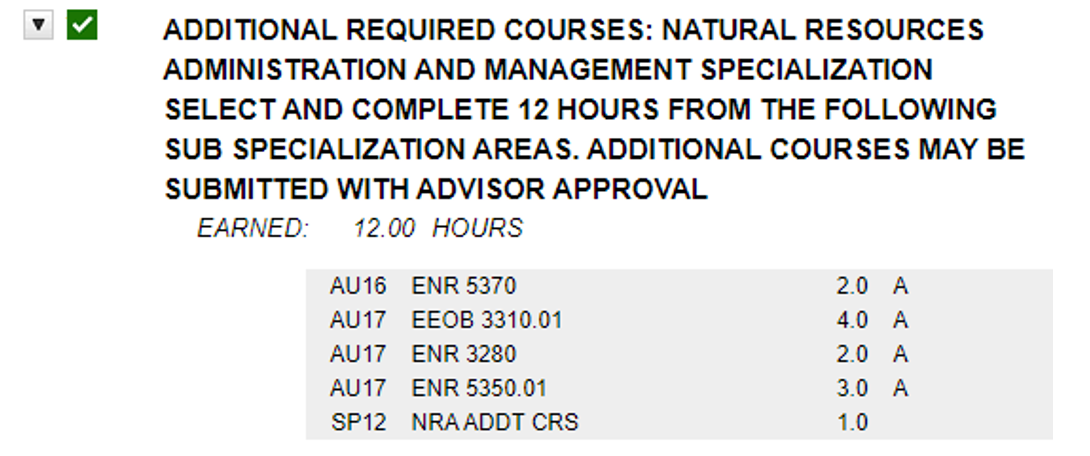
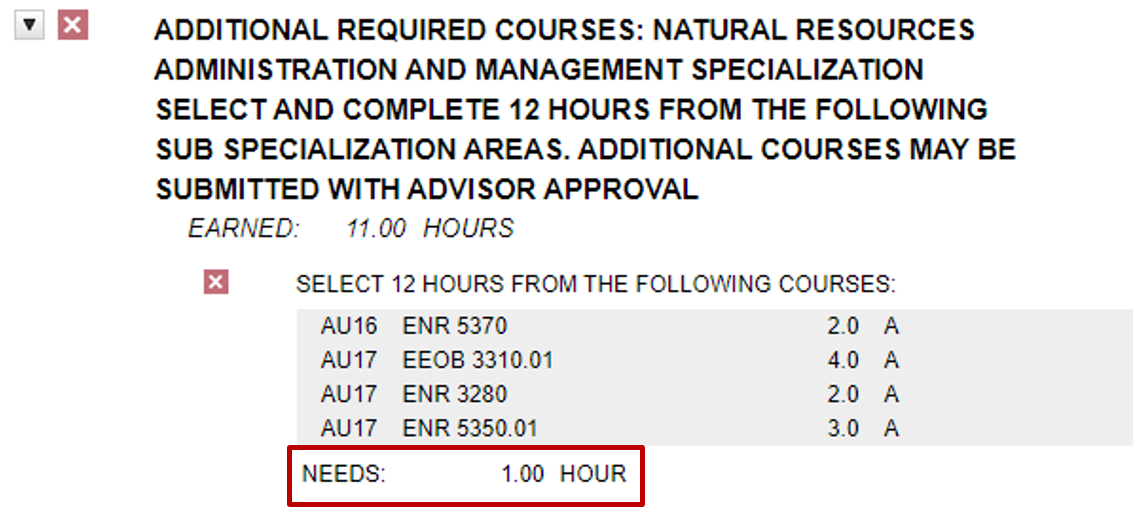
A student took an extra hour in the major core and has been approved to have one hour waived from the major additional required courses section.
Before the Exception
Entering the Exception
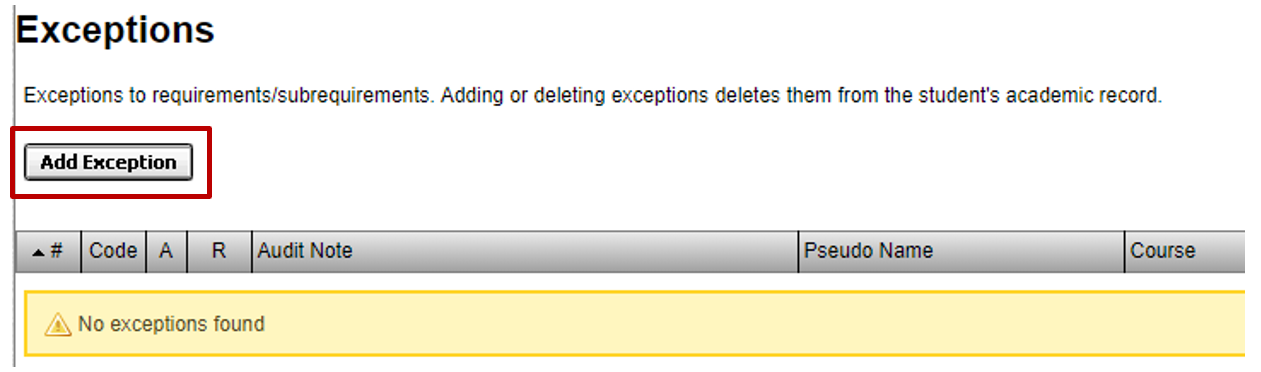
Step 1. Select “Exceptions” from the menu bar, then select the “Add Exception” button.
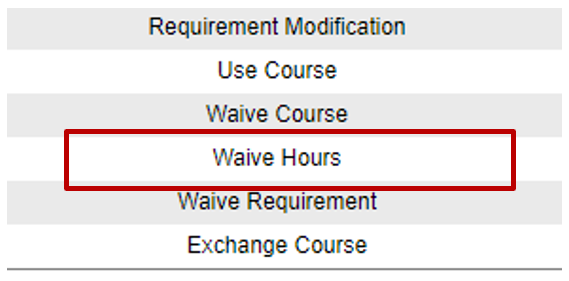
Step 2. Select “Waive Hours” from list of Exception Types.
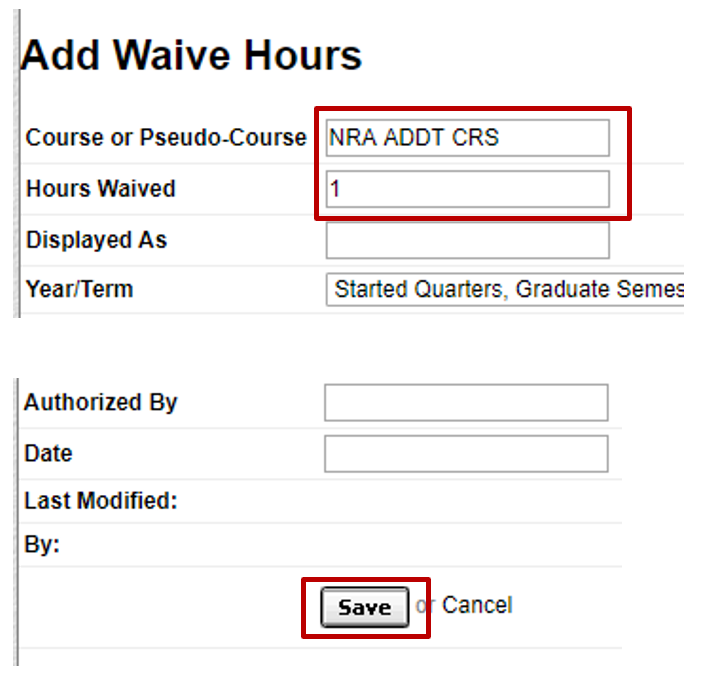
Step 3. Enter the pseudo course and the hours being waived for the sub-requirement, and then select “Save” toward the bottom.
After the Exception